B2B Quotes
B2B Quotes are saved pricing snapshots that you can share with tour operator partners. Each quote captures a specific calculation from the B2B Price Calculator with all service details, ready for PDF export and partner distribution. Like the calculator, this area is restricted to admin and manager roles.
Creating a Quote
- Go to the B2B Price Calculator and calculate a price
- Click Save as Quote
- Optionally fill in:
- Partner — Select the tour operator from your Partners list
- Client Name — End client name if known
- Email & Phone — Client contact details
- Nationality — For passport-type reference
- Notes — Special requests or conditions
- Click Save Quote
The quote is assigned a unique reference number and captures the full pricing snapshot: services, rates, margin, and totals. A confirmation banner shows the reference with a View Quote link.
Screenshot: Save Quote dialog with partner selection, client details, and notes
Partners
B2B partners are managed on their own page: B2B → Partners. Partners are separate from your regular contacts — each partner record can carry a default margin percentage that is applied automatically when you price work for that partner, overriding any manually entered margin.
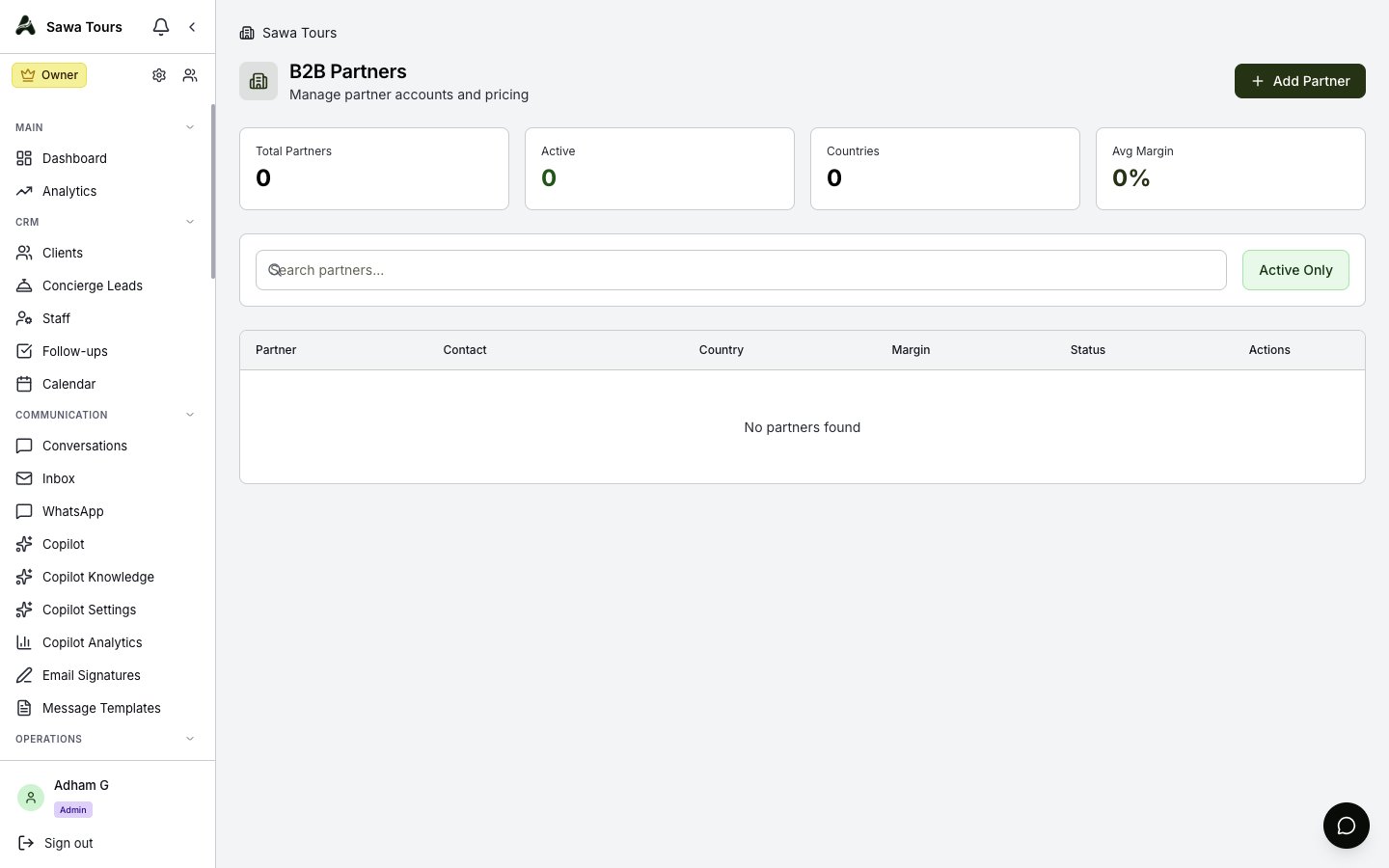
Partners page with partner records and default margin percentages
Viewing Quotes
Navigate to B2B → Quotes in the sidebar. The quotes page shows:
- Stats Row — Total, Draft, Sent, and Accepted counts
- Quote Table — All saved quotes with reference, tour, partner, and pricing details
- Status Badges — Draft, Sent, Accepted, Rejected, or Expired
- Status Filter — Filter by Draft, Sent, Accepted, or Rejected
- Search — Matches reference code, tour name, partner name, or client name
- Row Actions — View, download PDF, or delete a quote
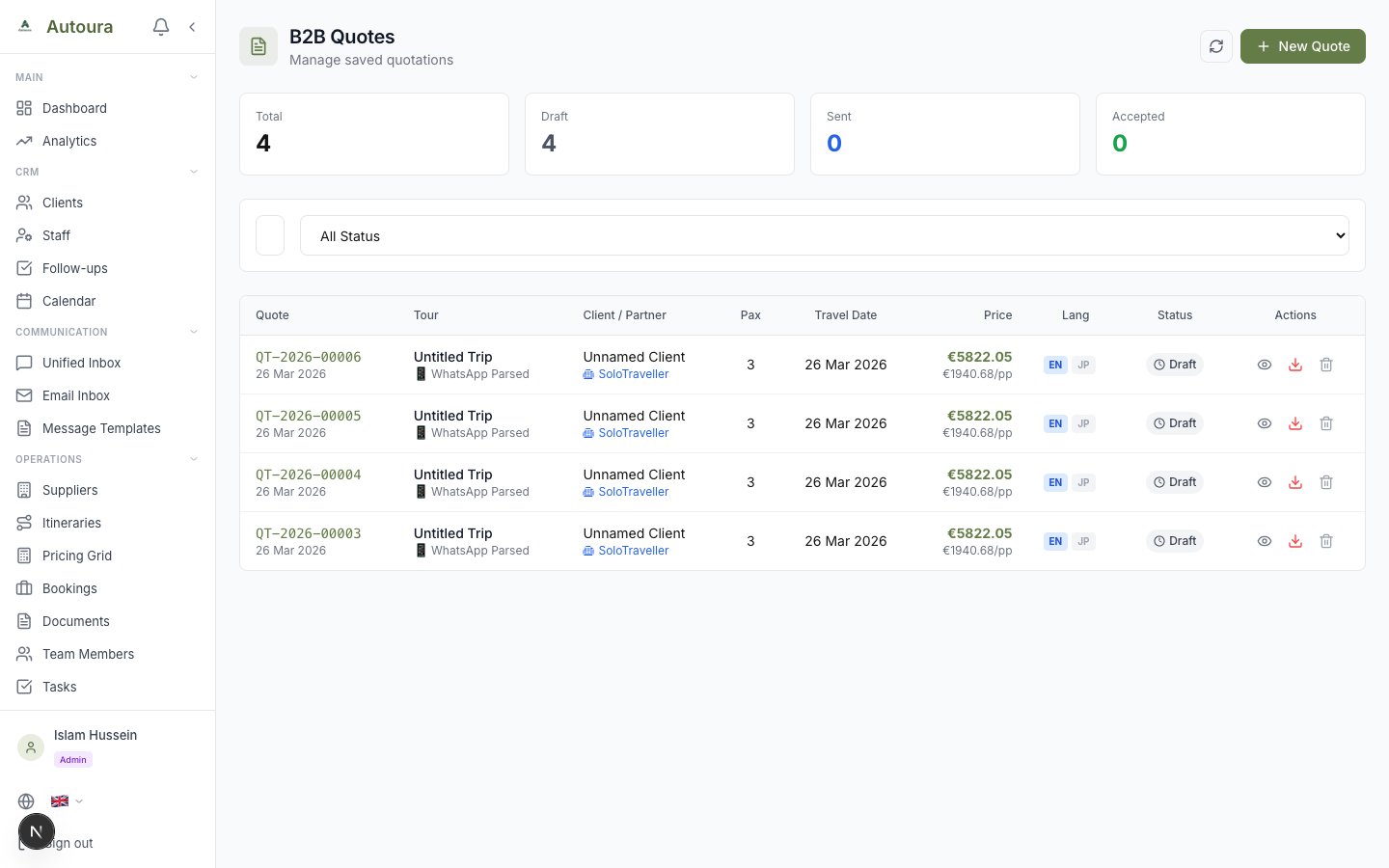
B2B Quotes table with stats row, status filter, and View/PDF/Delete actions
Quote Details
Click a quote to see its full details:
- Tour Info — Template name, variation, tier badge, plus Duration, Travelers, Travel Date, and Season
- Services Included — The complete service breakdown as calculated at quote time
- Pricing — Total cost, margin, selling price, per person
- Notes and Client Details — Contact information and any special conditions
- Update Status — Buttons to move the quote between Draft, Sent, Accepted, and Rejected
- Valid Until — The quote's expiry date; expired quotes are flagged in the list
PDF Export
Click the PDF action to generate a professional B2B quote document. PDFs are rendered on the server for consistent output and include:
- Your company branding and logo
- Quote reference number and date
- Tour details and services
- Pricing summary
- Terms and conditions