Getting Started
Logging In
- Go to your Autoura URL (e.g.,
https://autoura.net) - Enter your email and password
- Click Sign In
Forgot your password? Use the Forgot password link on the login page to reset it by email.
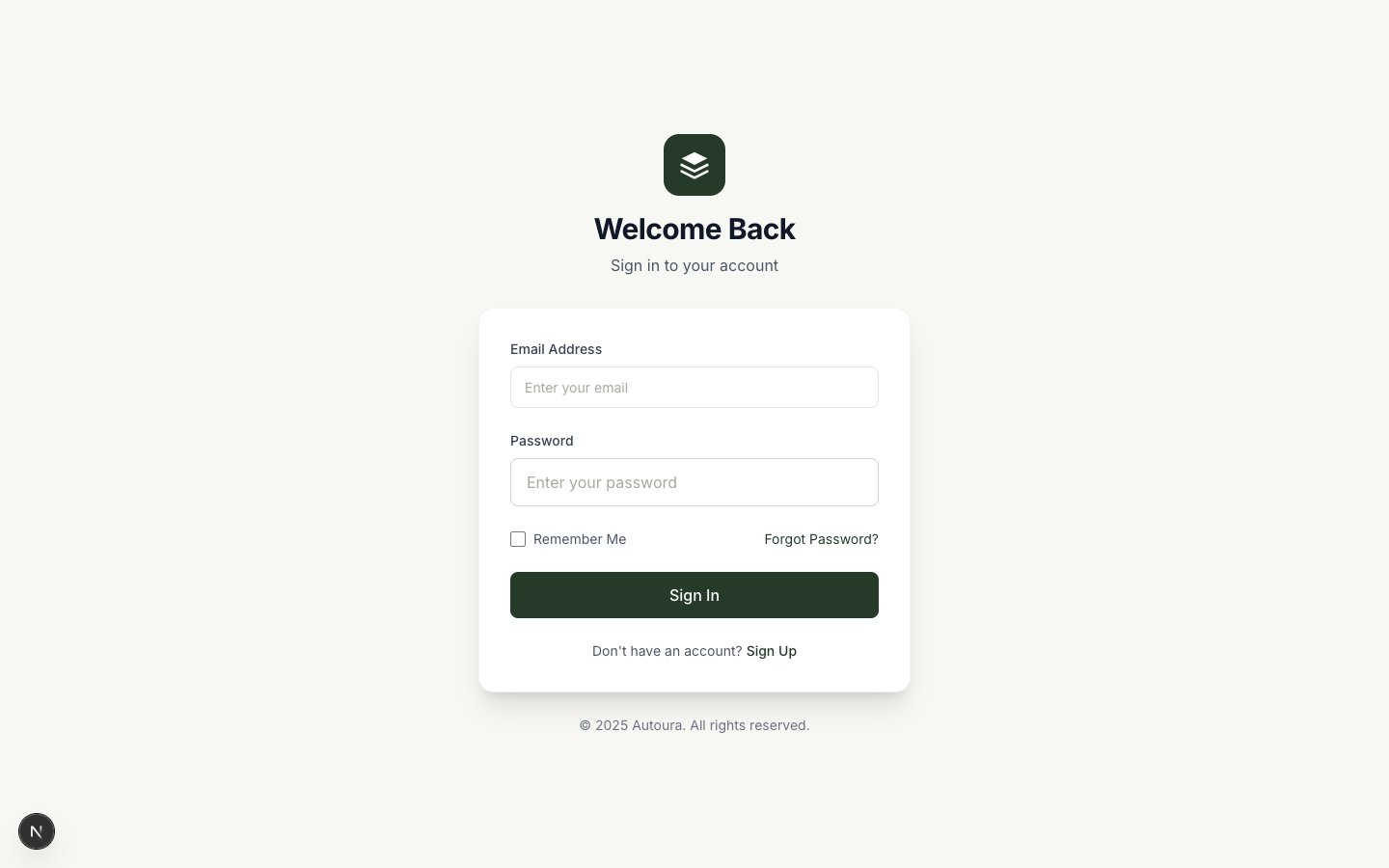
Login page with email and password fields and a Forgot password link
Creating a New Account
If your company is new to Autoura, you can sign up directly — no invitation needed. After you create your account, a guided onboarding wizard walks you through setting up your workspace in seven steps:
- Welcome — A quick introduction
- Business — Your company details
- Your words — The cities you sell, what you call your service tiers, and the kinds of suppliers you work with. Egypt's defaults are pre-filled; every dropdown in the app follows your choices, and you can change them any time in Settings → Your vocabulary
- Branding — Logo and colors used on your documents
- Team — Invite your teammates
- Tour — A short tour of the app
- Complete — You're ready to work
Joining by Invitation
If you received an invitation email from your team admin:
- Click the invitation link in the email
- Enter a Password and Confirm Password (minimum 8 characters)
- You will be taken to the dashboard
Your Role
Your admin assigns you a role. Each role determines what you can see and do:
| Role | What You Can Do |
|---|---|
| Administrator | Everything, including the admin-only Settings area: organization settings, team management, WhatsApp configuration, billing, and user management |
| Manager | All day-to-day operations plus Rates, Finance, Suppliers, Itineraries, Tour Departures, Team Members, and Tasks |
| Member | Works on the clients and tasks assigned to them — communication, quotes, and bookings. Does not see Rates, Finance, or the operations management pages |
| Viewer | View-only access |
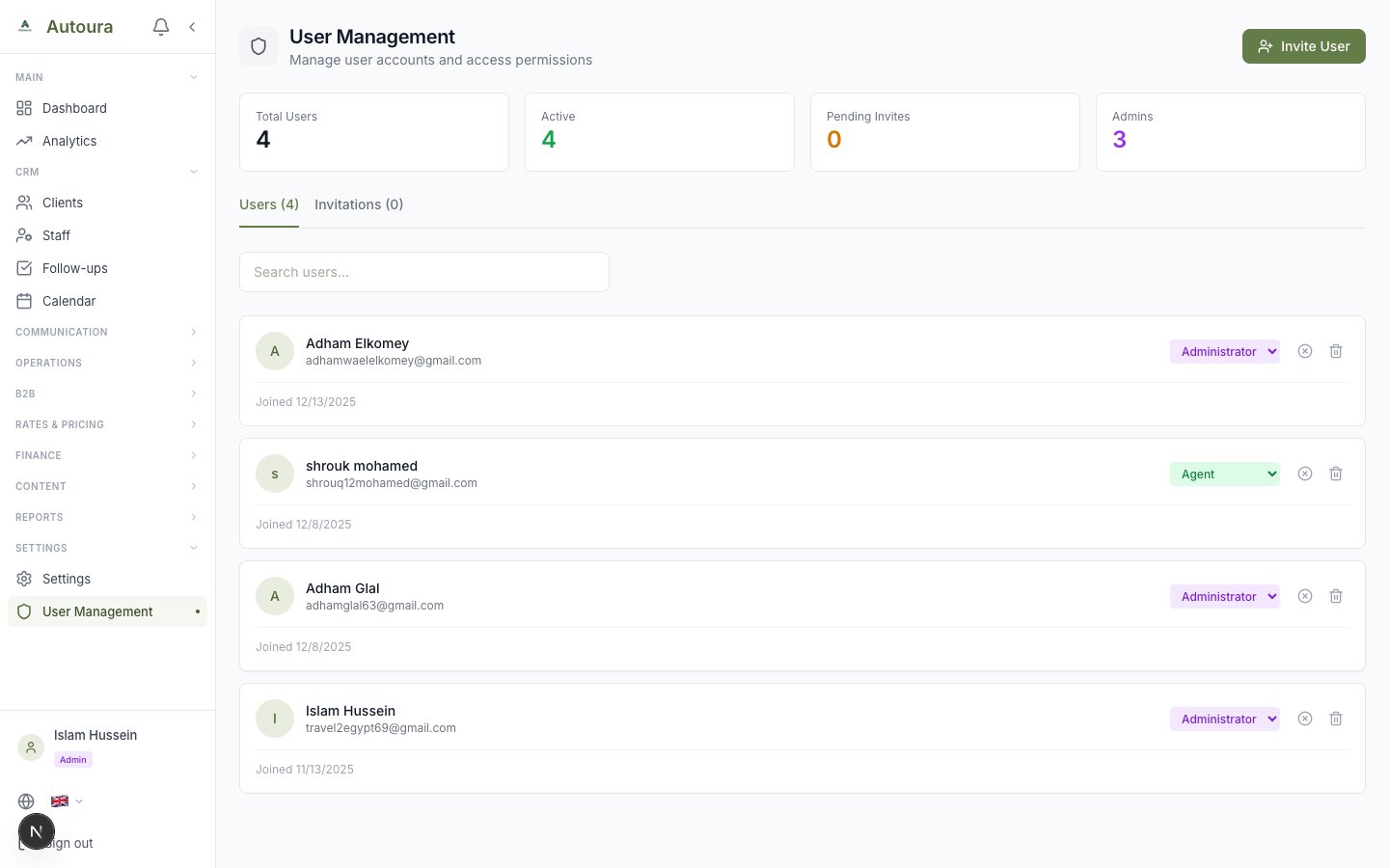
User management page listing team members with their assigned roles
Getting Help
Every page in the app has a floating Support Chat widget in the corner. Use it to message the Autoura support team directly — you'll get an email notification when they reply, and the full conversation stays in the widget.