Dashboard
The dashboard is your home base. It greets you by name and shows the things that need your attention today: trips about to depart, money still owed, messages waiting for a reply, and quotes your clients haven't answered yet.
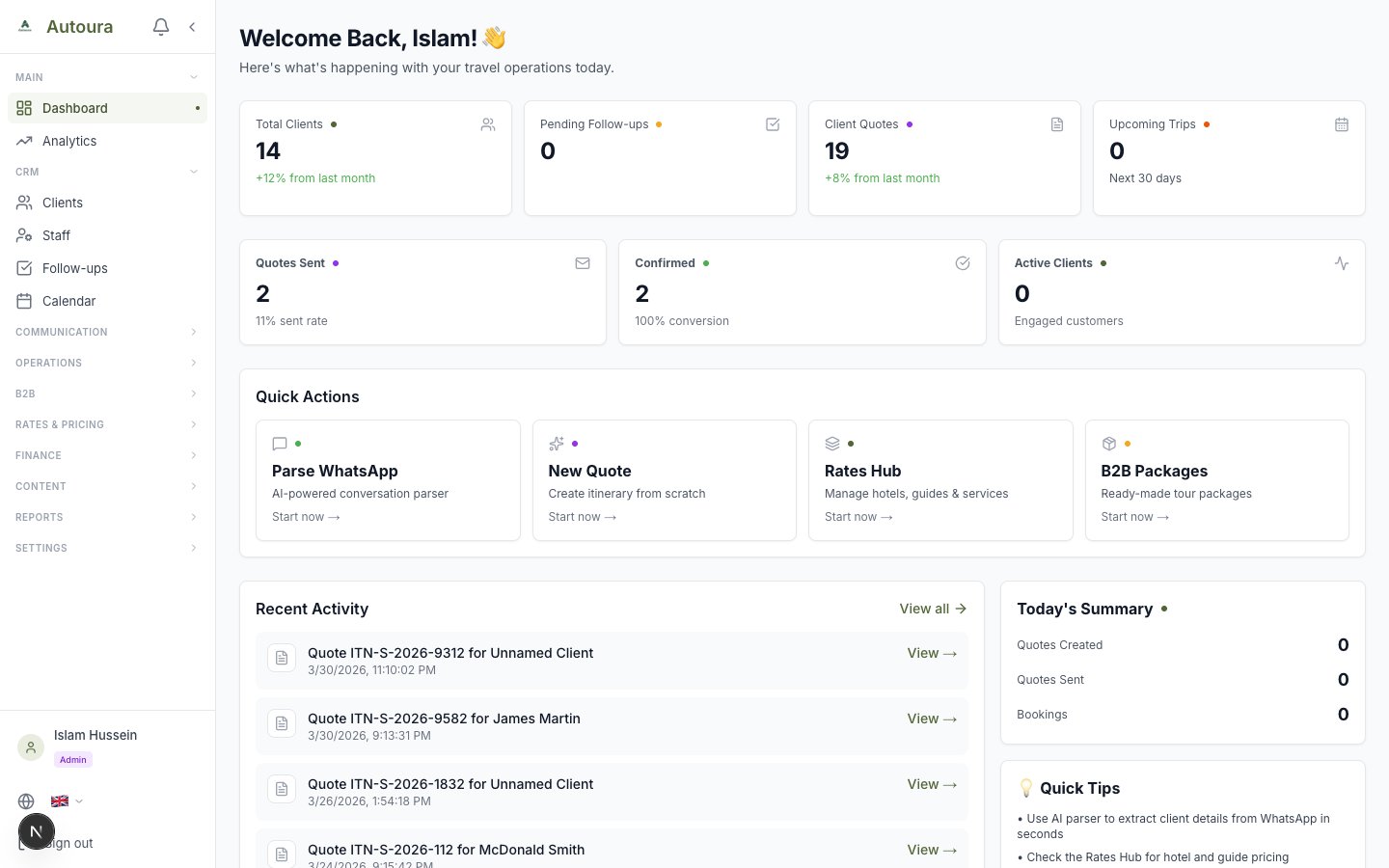
Dashboard with greeting, four action cards, list panels, and quick action buttons
Action Cards
Four cards at the top summarize what needs attention. Click a card to jump straight to the relevant page:
- Departing in N days — Bookings with upcoming departure dates. Click through to Bookings.
- Outstanding — The total amount clients still owe you. Click through to Invoices.
- Needs a reply — Conversations waiting on you. Click through to the Inbox.
- Quotes awaiting client — Quotes sent but not yet answered. Click through to B2C Quotes.
List Panels
Below the cards, four panels list the specific items behind the numbers:
- Departing soon — The next trips to depart, so nothing sneaks up on you
- Clients reading their proposal — Clients who have opened the itinerary link you shared with them. This is proposal open/view tracking — a great signal for a well-timed follow-up call.
- Largest balances owed — The invoices with the biggest outstanding amounts
- Waiting on your reply — Conversations where the client spoke last
Quick Actions
Shortcut buttons for the most common tasks:
- New Quote — Start a new itinerary/quote.
- Rates Hub — View and update your pricing
- B2B Packages — Browse ready-made tour packages
- Clients — Jump to your client list
Analytics
The dashboard is deliberately focused on what needs action today. For trends and totals — revenue, bookings, and performance over time — open Analytics in the sidebar (just under Dashboard).
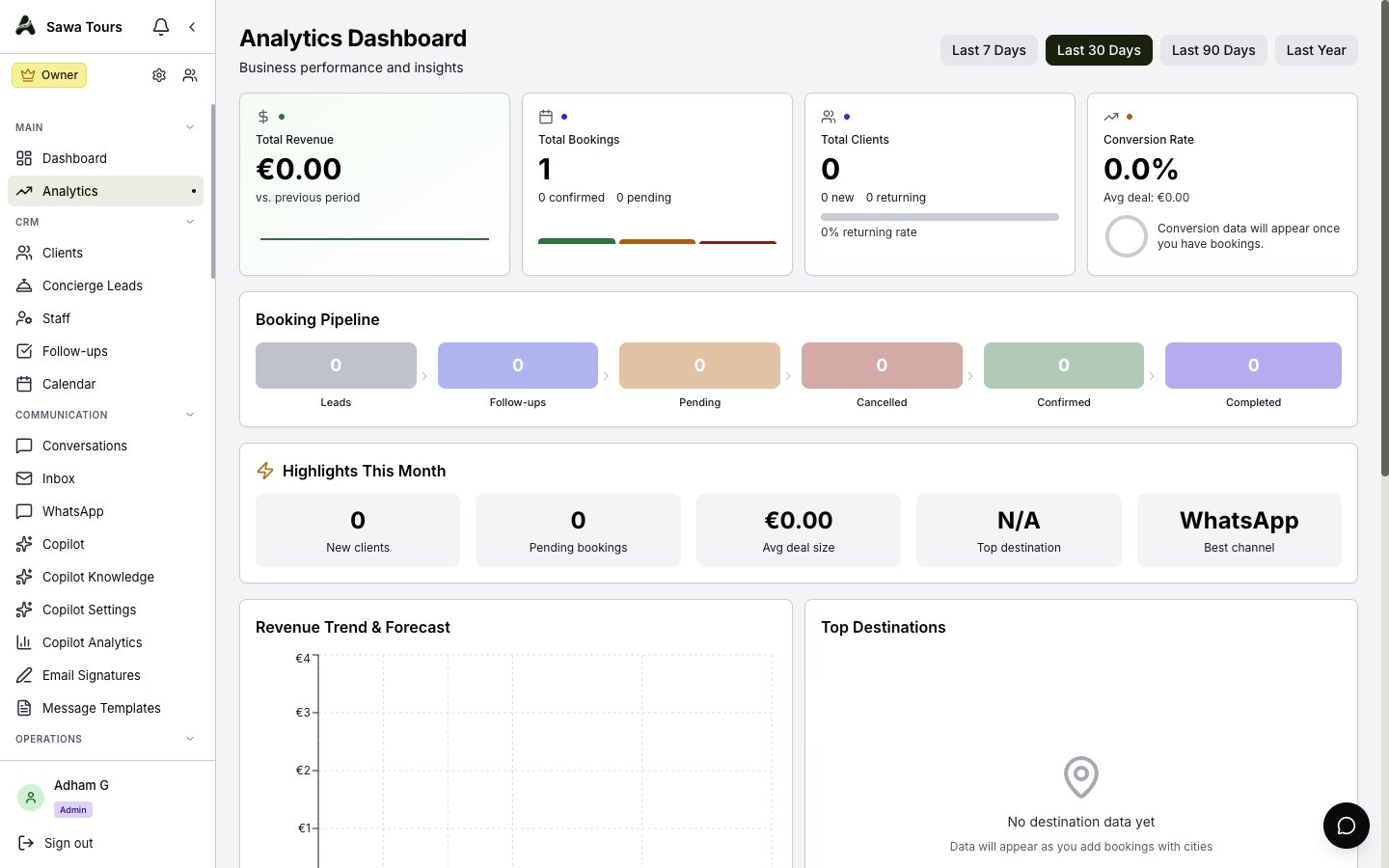
Analytics page with revenue and booking trend charts