B2C Pricing
B2C pricing happens in the pricing grid (sidebar: Sell → Pricing Grid). The grid looks up hotel rates, guide fees, transport costs, entrance fees, meals, and more from your rate database, applies your profit margin, and recalculates the quote live as you edit.
How It Works
From the itinerary editor, click Price in Grid. The itinerary opens in the pricing grid at /pricing-grid?itinerary=<id> with every day and service loaded. From there:
- Each day's service slots (transport, guide, accommodation, meals, entrance fees, and more) are matched to rates by city, tier, and season
- The settings bar controls the calculation — PAX, start date, passport toggle, tier, guide toggle, B2C/B2B mode, currency, and margin
- Group costs (vehicle, guide, tipping) are divided by pax; per-person costs (accommodation, entrance fees, meals) are multiplied by pax
- Your margin is applied to the aggregated cost to get the client selling price
- Every change — a different hotel, one more traveler, a new margin — recalculates the quote instantly
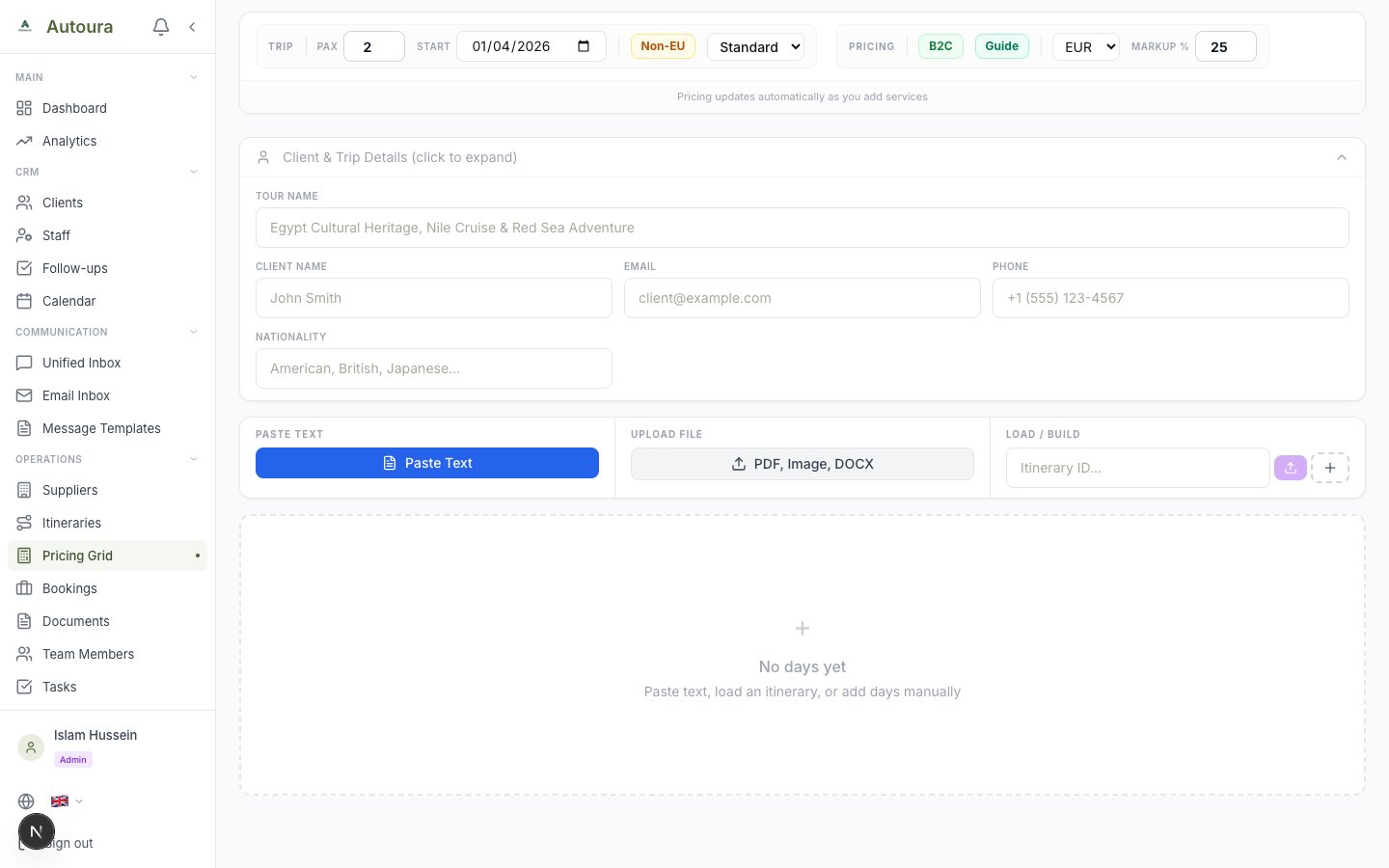
Pricing grid with settings bar, live quote strip, and day-by-day service slots
Rate Sources
Pricing pulls from the rate tables managed under Suppliers & Rates in the sidebar (start at the Rates Hub). The 14 categories are:
- Hotels — Per-person per night by city, tier (budget/standard/deluxe/luxury), and season
- Nile Cruises — Per-person by cabin type and season
- Sleeping Trains — Overnight train cabins
- Flights — Domestic flight fares
- Trains — Day train fares
- Meals — Lunch and dinner rates per person by tier
- Attractions — Entrance fees per person by attraction and passport type (EU / Non-EU)
- Tour Guides — Daily rate by language and tier
- Activities — Excursions, experiences, and boat rides
- Transportation — Vehicle rates by type, capacity, and route area
- Airport Services — Arrival/departure assistance per service
- Hotel Services — Hotel staff services
- Tipping — Daily tipping allowance per tier
- Fixed Costs — Recurring flat costs
Accommodation Pricing Model
All accommodation (hotels and cruises) uses the Per Person Double (PPD) model:
- Double Rate — Base rate per person when sharing a double room
- Single Supplement — Extra charge for a traveler in a single room, added on top of the per-person total
Accommodation is aggregated per person: each overnight day contributes one night at that day's per-person rate, and the per-person accommodation total is then multiplied by the number of travelers. The number of nights comes from the days marked with an overnight stay — not simply from the trip length.
Profit Margin
Margin is applied once, to the aggregated per-person cost — not to each line item:
- Sell/PP = Cost/PP + (Cost/PP × Margin %)
- The grid defaults to 25% in B2C mode and 10% in B2B mode
- Your personal default margin is a user preference in Settings (25% out of the box)
- The margin input is clamped to a sensible range, so a typo can't produce a broken quote
Reading the Results
Two areas of the grid summarize the money:
- Live Quote strip — Always visible at the top: Cost/PP, Total Cost, Margin, Sell/PP, and Sell Total, updating with every edit
- Grand Summary card — Below the day cards: the whole trip totaled by category, so you can see where the money goes
Switch the currency (EUR, USD, GBP, or EGP) at any time — every figure converts instantly.
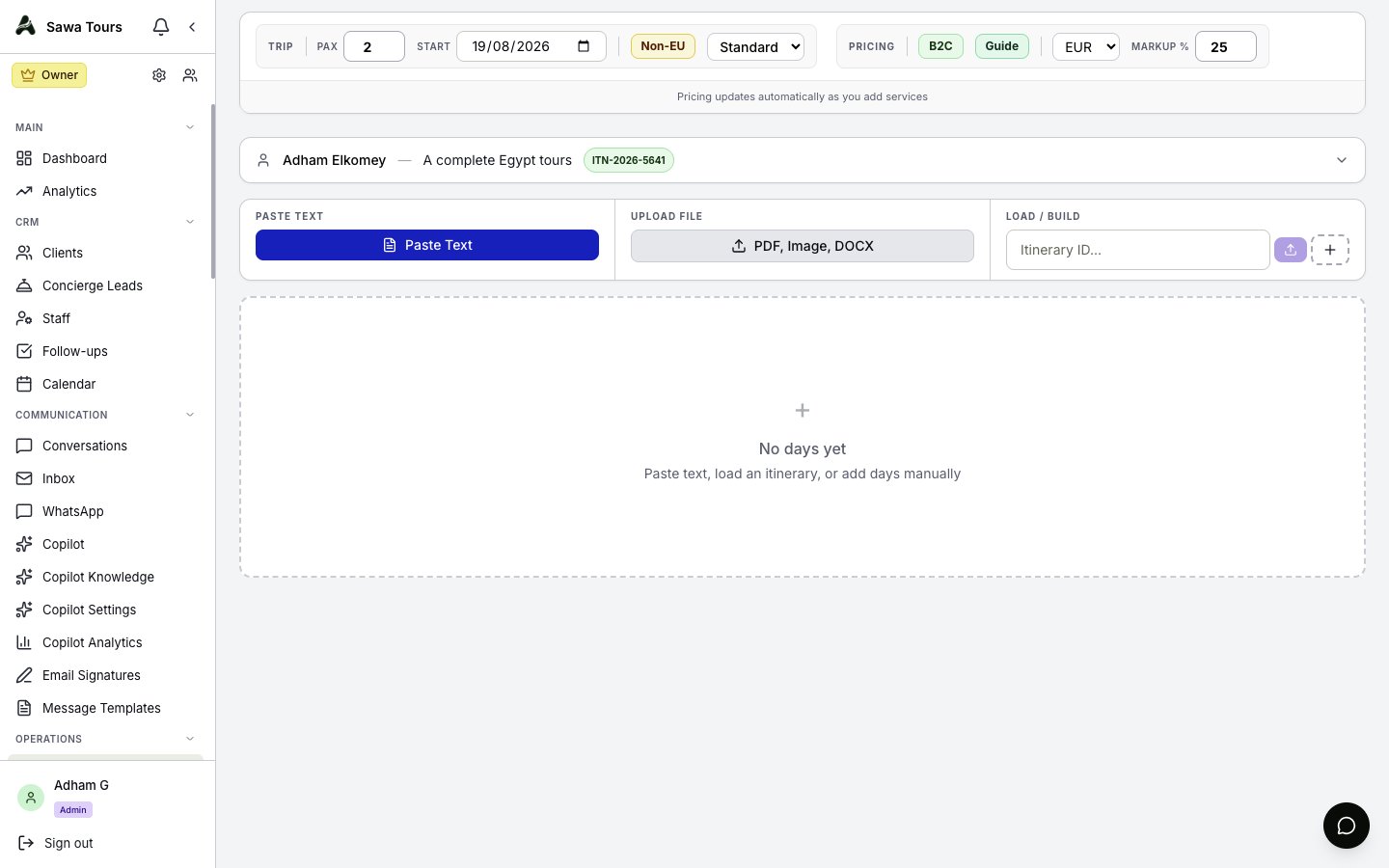
Pricing grid scrolled to the Grand Summary showing per-category totals, cost, margin, and sell price
B2C Quotes Page
Saved B2C quotes live under B2C Quotes in the sidebar. The page shows status counts — draft, sent, viewed, accepted, rejected, and expired — with search and filters to find any quote, and an export option for your records. The New Quote button here opens the WhatsApp Parser to start a fresh quote.
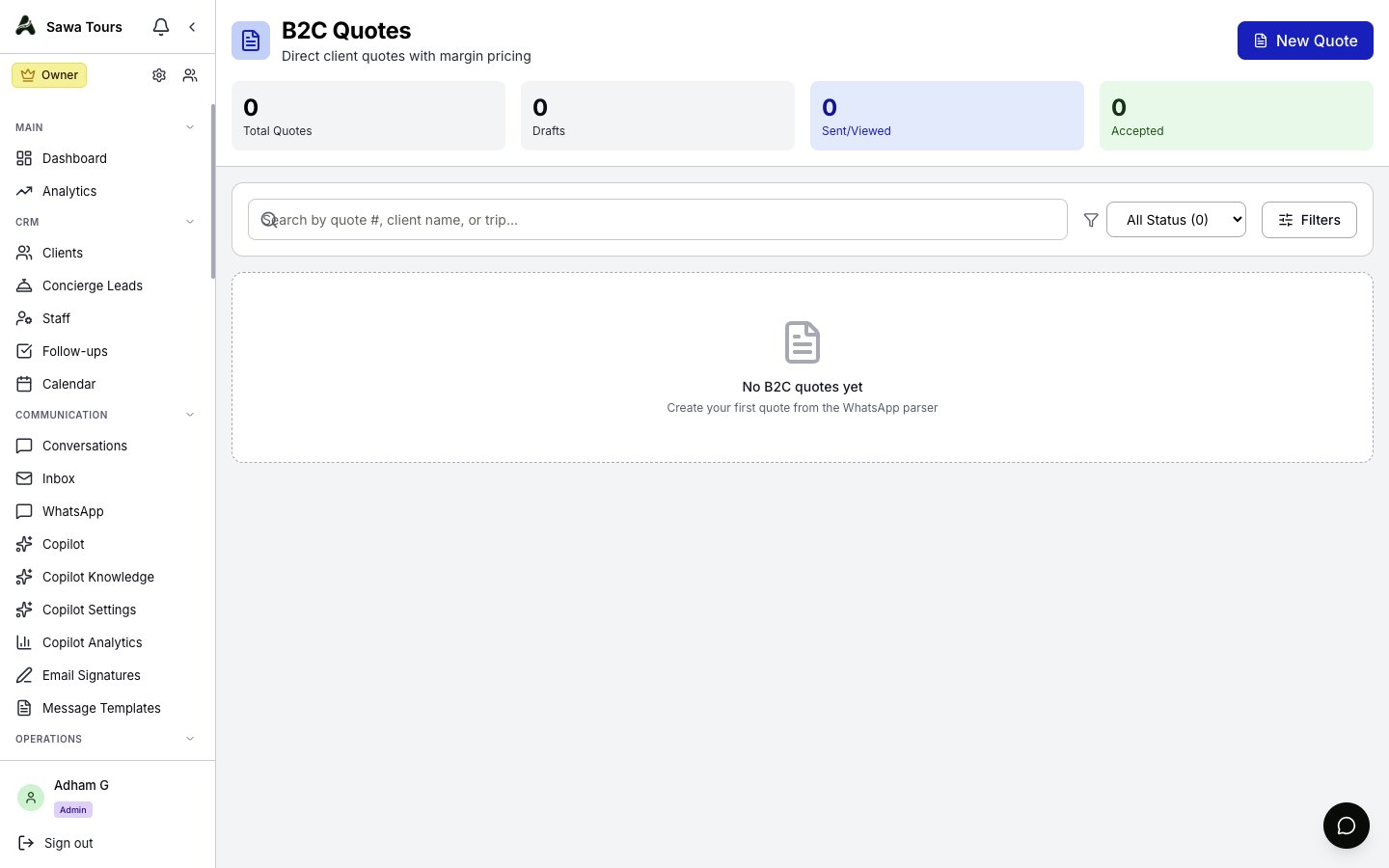
B2C Quotes page with status counts, search and filters, and the New Quote button