Follow-ups & Reminders
Two separate tools keep you on schedule: Follow-ups track your commitments to clients (calls, quotes, feedback requests), while Payment Reminders chase unpaid invoices on a fixed schedule. This page covers both.
Follow-ups (CRM)
Follow-ups are always attached to a client and are created from the client's profile. To schedule one:
- Open the client's profile and use the Add Follow-up quick action
- Choose the Type — Phone Call, Email, WhatsApp Message, Meeting, Send Quote, Booking Confirmation, Payment Reminder, Request Feedback, or Other
- Enter a Description of what needs to happen
- Pick the Due Date (date only — no time of day)
- Set the Priority — Low, Medium, High, or Urgent
- Add optional Notes with extra context
- Click Schedule Follow-up
The Follow-ups Dashboard
Navigate to Follow-ups in the sidebar (under Operate). The page is a dashboard of everything pending:
- Four clickable stat cards — Due Today, This Week, Overdue, and All Pending. Click a card to filter the list
- Filters — Narrow the list by priority and by type
- Mark complete — Tick off a follow-up when it's done
- Edit and delete — Update any follow-up, or delete it (with a confirmation prompt)
A follow-up counts as overdue automatically once its due date has passed without being completed — there is no separate status to set.
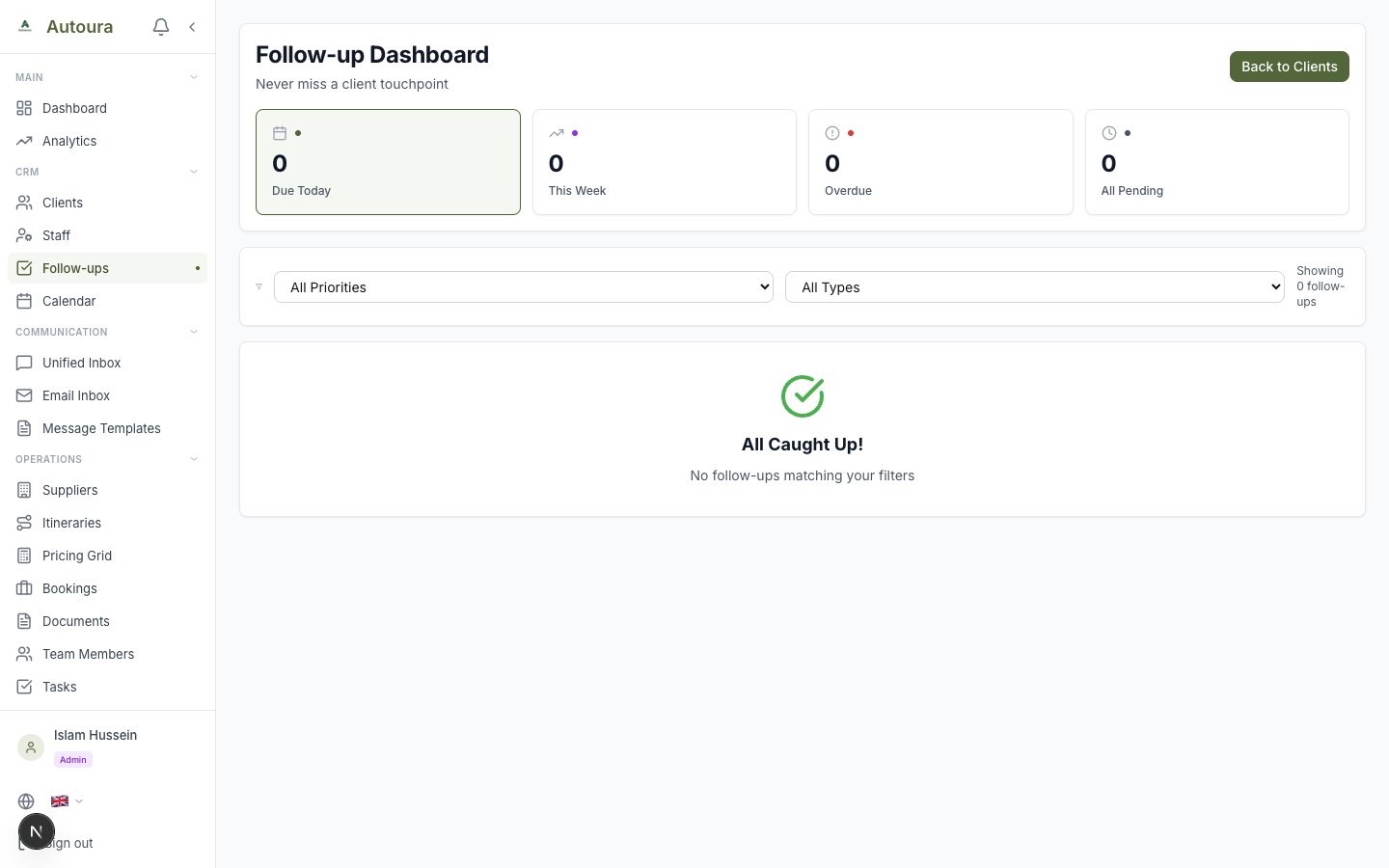
Follow-ups dashboard with Due Today, This Week, Overdue, and All Pending stat cards and the pending list
Payment Reminders
Payment Reminders handle one job: chasing unpaid invoices. The page has no sidebar entry — open it from an invoice's Reminder History link. It shows two tabs, Pending and History, plus stat tiles for Pending, Overdue, Due Soon, Paused, and Selected.
The Reminder Schedule
Each invoice follows a fixed schedule relative to its due date:
- Before due — 7 days and 3 days before
- On the due date
- After due — 7, 14, and 30 days overdue
- Manual — Send an extra reminder at any time
Sending and Managing
- Batch send — Multi-select pending reminders and send them together; you get a sent/failed result for each one
- Pause / resume — Stop reminders for a specific invoice (e.g., while negotiating) and restart them later
- History — The History tab lists every reminder sent, filterable by status
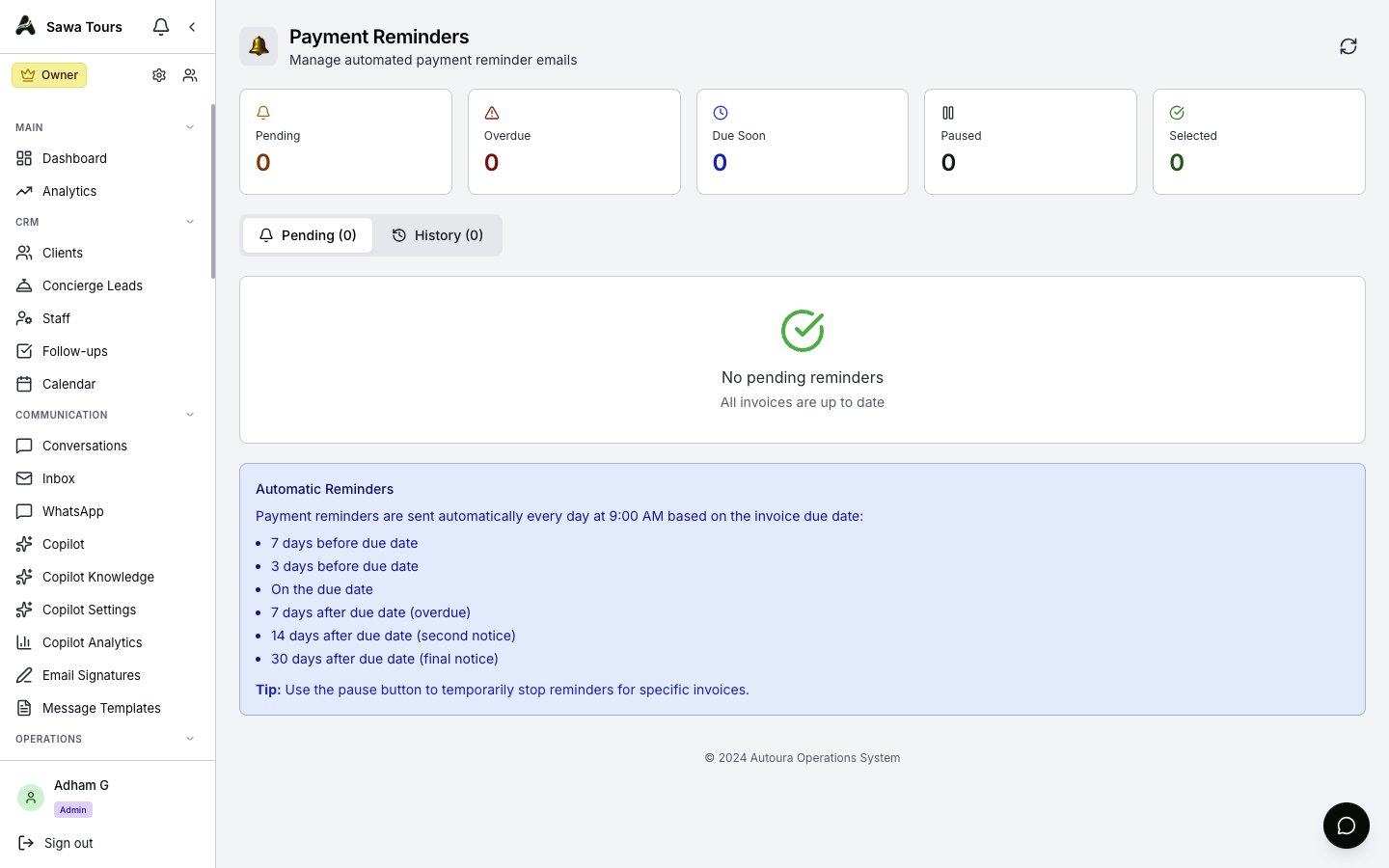
Payment Reminders page with Pending/History tabs, stat tiles, and batch-send selection